Omni Note

知識を育てる自作事典ノート

情報をまとめる個人Wikiノート

OmniNote(オムニノート)は、「自分だけの百科事典」を作れるノートアプリです。 調べた知識、学んだこと、好きなテーマ、コレクション情報、語学の単語、あらゆる情報を項目ごとに整理し、自分だけの事典として育てることが出来ます。 OmniNote は、あなたの知識を「資産」に変えるアプリです。今から自分だけの百科事典を育て始めましょう。

ダウンロード

Grow Your Knowledge with a Personal Encyclopedia

Your Own Private Wiki Notebook

OmniNote is a notebook app that lets you create your own personal encyclopedia. Collect everything you learn—knowledge, research notes, interests, collections—and organize them into structured entries, just like a real encyclopedia.

Download

main image

特徴

項目(エントリー)を自由に作成

百科事典のように「タイトル」→「本文」で構造化されたノートを作成できます。

カテゴリで体系的に整理

分野別・テーマ別に分類でき、知識が自然と体系化されます。

リンクでつながる“個人Wiki”

項目どうしを相互リンクすれば、あなただけのナレッジベースが完成。

画像・引用・外部リンクに対応

参考データや引用を添えて、より深い解説ページを作成できます。

検索性の高いノート

百科事典・辞書感覚で必要な情報にすぐアクセス。

完全オフラインで動作

高速なローカル検索

アカウントやクラウドストレージは不要

すべてのデータはデバイス上に保存されます

Features

Create Custom Entries

Build structured notes with a clear “Title → Body” format like an encyclopedia.

Organize with Categories

Classify entries by field or theme to naturally systematize your knowledge.

Your Own Interconnected Wiki

Cross-link entries to build a personal knowledge base.

Supports Images, Quotes, Links

Add references, citations, and links for deeper explanations.

Highly Searchable Notes

Access information instantly—like your own encyclopedia.

Works completely offline

Fast local search.

No account or cloud storage required.

All data is stored on your device.

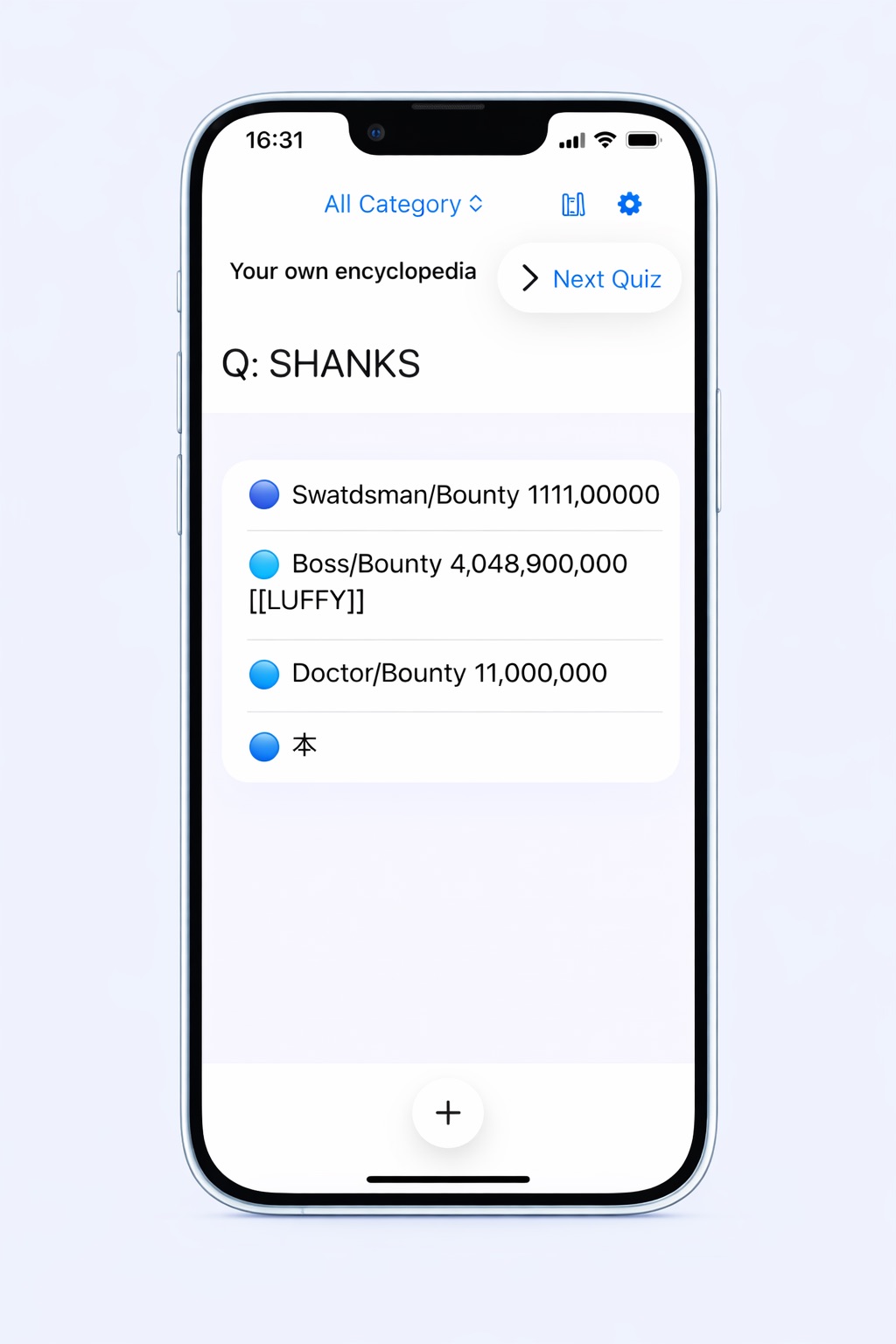
新規項目が登録されると、クイズを出力します

あなたが項目を追加するたびに、自動でクイズを生成します。 日々作った辞書データを、楽しく復習できる仕組みです。

App Screen

When a new item is registered, a quiz will be displayed

Every time you add an item, a quiz will be automatically generated. This system makes reviewing the dictionary data you create daily a fun and engaging way to learn.

App Screen

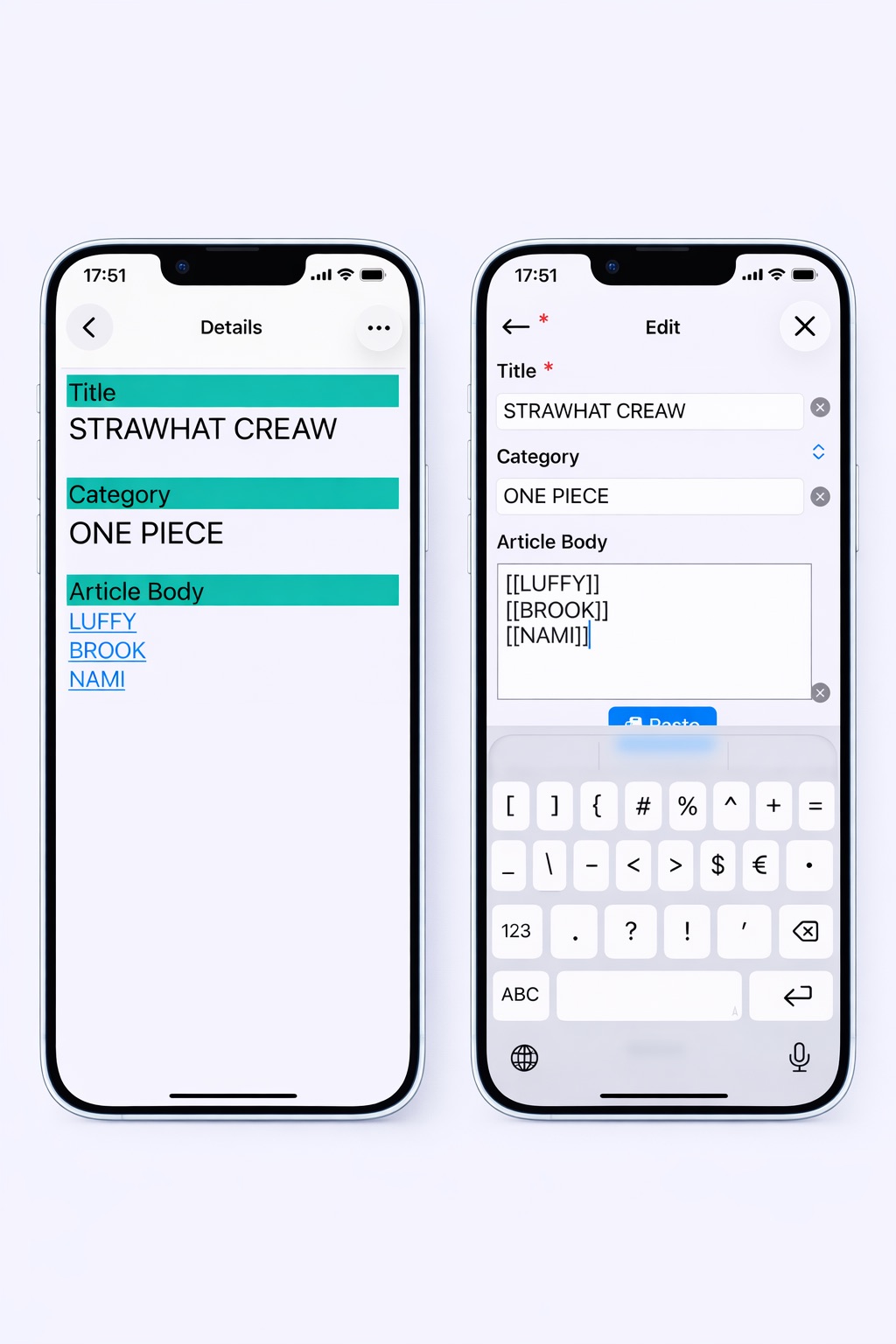
項目どうしを相互リンクできます

索引の項目を作って一目でわかるようにしたり、 参考データや引用を添えて、より深い自分専用の解説ページを作成できます。

App Screen

You can create reciprocal links between items

You can create index entries for easy reference, or add reference data and citations to create more in-depth, personalized explanation pages.

App Screen

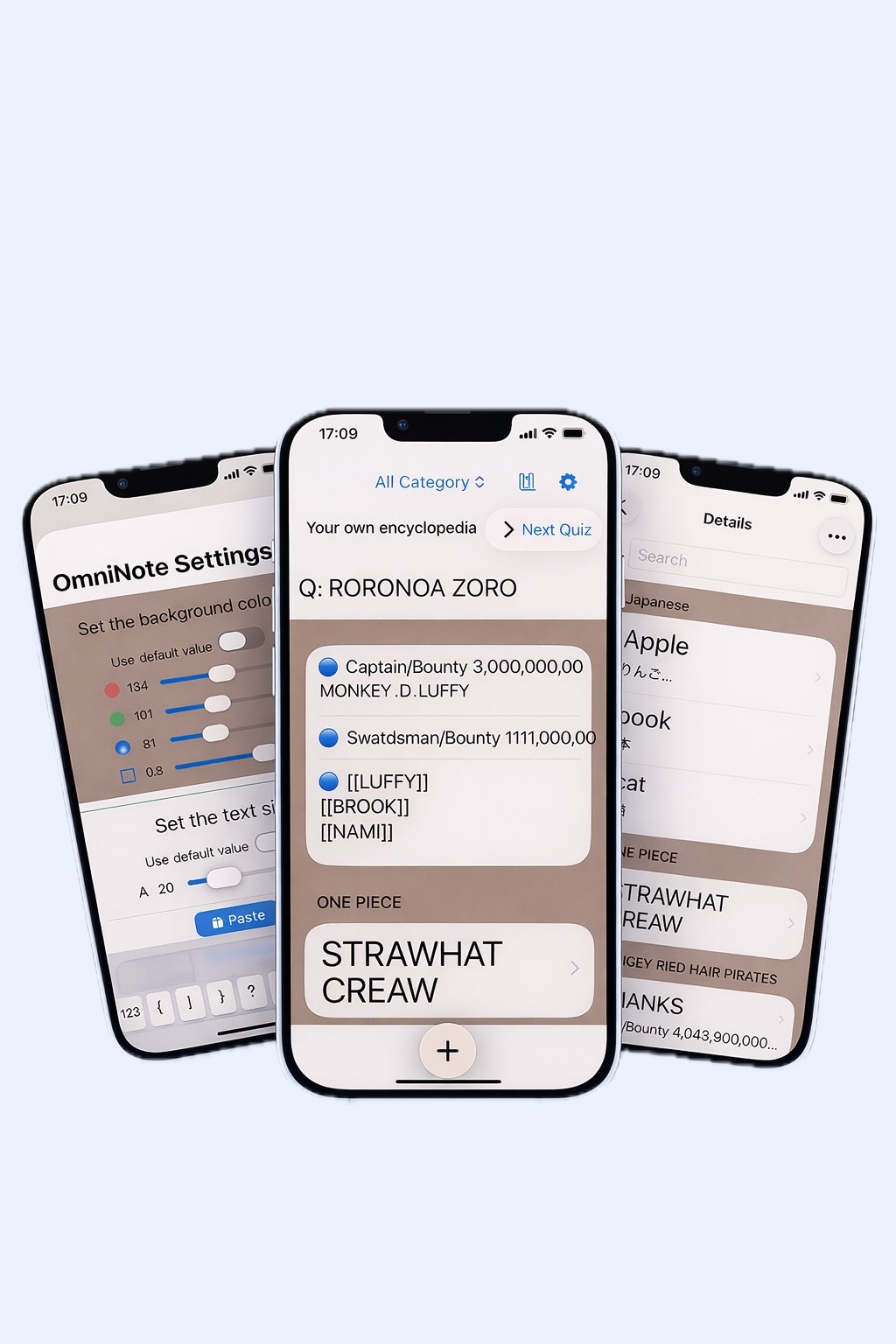
好みのカラーを背景にできます

RGB(赤・緑・青)を組み合わせて好みのカラーを作ったり、文字のサイズを大きくしたり、 小さくしたりして、より自分の好みに設定し編集を楽しみましょう。
*この設定を保存するには、アプリ内課金で保存機能をご購入ください。

App Screen

You can choose your favorite color as the background

Combine RGB (Red, Green, Blue) to create your favorite colors, adjust the font size (enlarge or reduce it), and customize the settings to your liking and enjoy editing.
*To save these settings, please purchase the save function via in-app purchase.

App Screen

ダウンロード

無料で今すぐ使える。

App Store”  class=

Download

Free to use — start now.

App Store”  class=